Products
WMS LIGHT
A light warehouse management app that is quick to start. Scan everything that moves on a phone or a rugged handheld, and see it live in a web backend. WMS Light runs on the Raptool platform.
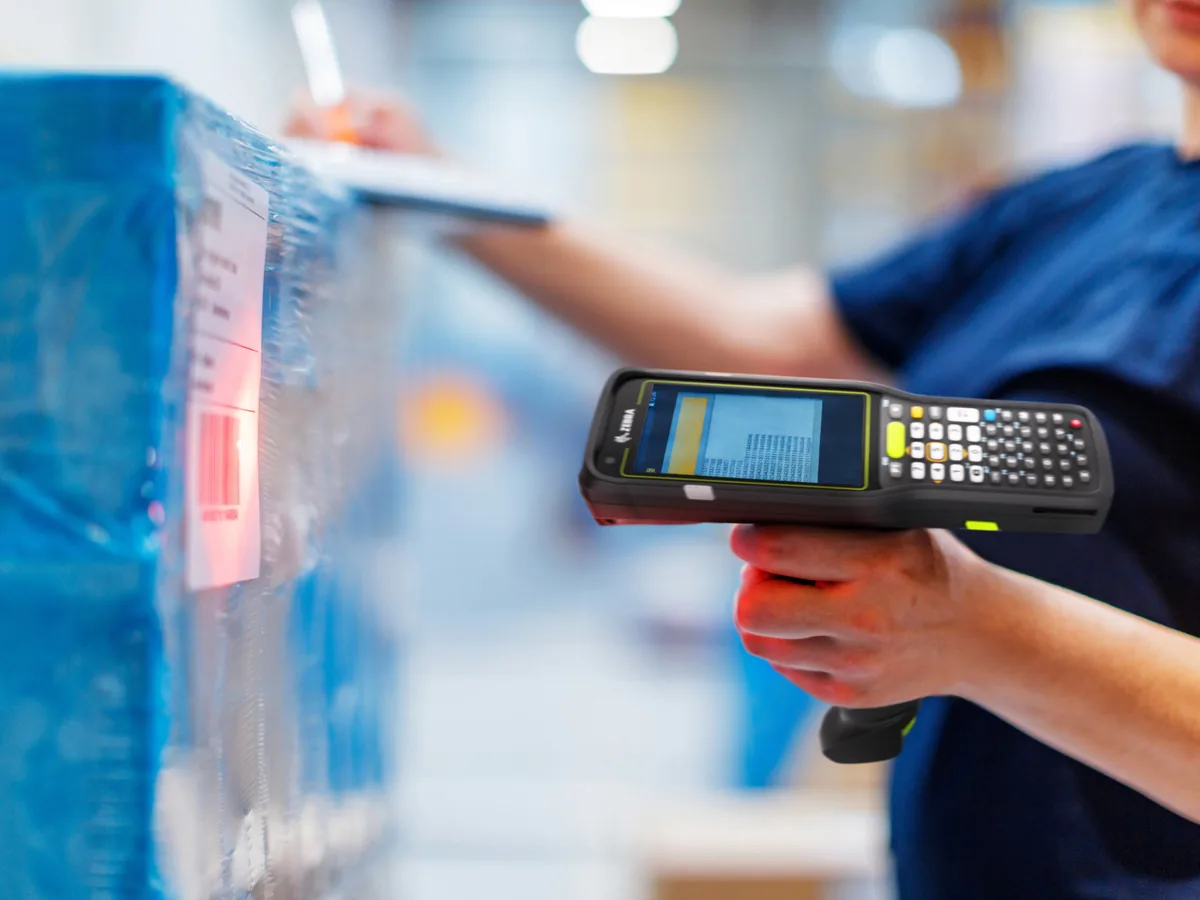
Mobile app
EVERY WAREHOUSE TASK IN YOUR HAND
The mobile app runs in the Raptool Client on Android handhelds and phones, iPhone and Windows PCs. Use the camera or a built-in hardware scanner.
Receive
Scan the delivery against the supplier order. Quantities and locations are set on the spot.
Put away
Scan the item, then the shelf. The stock is where the system says it is.
Pick
The app walks you location by location. Scan to confirm every line.
Pack
Check the order against the box before it leaves the building.
Ship
Mark the order as sent, so stock and order status are right at once.
Stock count
Count a shelf, a zone or the whole warehouse with the scanner.
Move
Move stock between shelves or warehouses with two scans.
Labels
Print item, shelf and pallet labels from the phone or the desktop.
Web backend
THE OFFICE VIEW
Items, warehouses, shelves, stock levels, orders and users in one web app. Reports show what is in stock, what is on its way in and what has to go out today.
- Multiple warehouses and shelves
- Import wizard that reads any file format: Excel, CSV and more
- Export every table, sort and filter every column
- Label printing for items, shelves and pallets
Module
PICK BY VOICE
To make the order picking process even more efficient we have a voice picking module. The voice will tell you where to go, what to pick and how many. If you are picking multiple orders at the same time the system tells you what box to put the item in. Use a small finger mounted barcode scanner or scanner or trolley/forklift mounted. Use a headset or speaker on the trolley for the voice.
Module
MANUFACTURING
Automate purchase of parts. Create end products consisting of multiple parts.
Available with Pro WMS as the optional production module.
Grow later
MORE WHEN YOU NEED IT
Start with the basics. Move up to Pro when you need picking lists, supplier orders, minimum stock, batch and serial numbers. Add batch picking with picking carts, or connect your ERP through the Integration Server.
- Basic WMS: receiving, picking, stock check and stock count
- Pro WMS: picking lists, supplier orders, minimum stock, batch, serial numbers
- Batch picking: one walk for a whole batch of orders
- Integration Server: ERP, webshop and production systems